GA4 was the right move. The migration from Universal Analytics was painful, the new event model is unfamiliar, and the reporting interface was rebuilt around a different mental model. Two years on, most of the Australian operators we work with have a GA4 property that runs and produces numbers. The problem is that the numbers are wrong, and the team doesn't know by how much.
This piece walks through the seven misconfigurations we see on almost every GA4 audit. Each one is a quiet leak. Together they're often the difference between a finance team trusting the marketing dashboard and a CFO opening every meeting by asking which version of the revenue number to look at.
1. Cross-domain tracking that drops the user ID at the cart handoff
Pattern: ecommerce site on shop.example.com, checkout hosted on checkout.example.com or a payment processor's domain. GA4 needs cross-domain configuration to maintain the same client ID across the handoff. When it isn't configured (or is configured incompletely), the user looks like a brand-new visitor on the checkout side, and the conversion is attributed to direct/none.
Symptom: a Direct/none channel that's suspiciously large, especially compared to your Meta or Google Ads spend. The fix is in Admin → Data Streams → Configure tag settings → Configure your domains. Add every domain in the user journey. Test with the GA4 DebugView and the Tag Assistant.
2. Internal traffic not filtered out
Pattern: internal team views the site weekly. Marketing manager checks every page launch. Customer support replicates customer issues. Without an internal traffic filter, all of that traffic counts as visits and (if they trigger conversion events while testing) as conversions. On a $4M revenue brand we audited, internal traffic was 11% of recorded sessions and was inflating engagement metrics by 18%.
The fix is two parts. First, have everyone in the office set the traffic_type parameter in their browser using a debug GA4 instance, or define internal IPs in Admin → Data Streams → Configure tag settings → Define internal traffic. Second, add a Data Filter under Admin → Data Settings → Data Filters that excludes internal traffic. Filters can run in Testing mode for a week before you flip them to Active.
3. Conversions counted on the wrong event
The single most common GA4 error: page_view on /thank-you marked as a conversion. This was the right pattern in Universal Analytics, where destination_url goals were the standard. In GA4, every page load on /thank-you counts as a separate conversion. A customer who refreshes the thank-you page registers two conversions. Anyone who bookmarks it and revisits in a week registers another.
The right pattern in GA4 is to fire a custom event at the exact moment of conversion (after the order ID is generated, after the form is successfully submitted), and mark that event as a conversion. Then page-view-based conversions can be retired. Symptom of the error: conversion counts that exceed orders in the CRM by 5% to 30%.
4. Currency mismatch between the property and the events
Pattern: GA4 property created with USD as the default currency (the platform default). Events fire with currency: 'AUD' as a parameter. GA4 then converts AUD to USD using its internal exchange rate, but reports the value in the property currency. The dashboard shows the wrong number.
Symptom: revenue in GA4 that's roughly 60-70% of what the bank says. Fix in Admin → Property → Property Settings → Reporting time zone and currency. Set both to AUD. Re-run the audit on currency in every conversion event to make sure the parameter matches.
5. Sessions mis-bucketed because of UTM parameter case sensitivity
UTM parameters in GA4 are case-sensitive. utm_source=Facebook, utm_source=facebook, and utm_source=FACEBOOK are three different sources. Most of the time the platform-generated UTMs are consistent, but the moment a marketer hard-codes a campaign tag with capitalisation that doesn't match, traffic gets fragmented across multiple source rows.
The fix is partly process (a UTM convention document, lowercased) and partly technical: a Data Stream tagging modification (or, more reliably, a server-side container that lowercases UTM parameters before they reach GA4). On retention dashboards, this fix alone is often the difference between a clean source breakdown and a top ten that includes both Email and email as separate rows.
6. Unwanted referrals from your own payment processor
Pattern: shop.example.com → Stripe Checkout (checkout.stripe.com) → return to shop.example.com on /thank-you. Without a referral exclusion, the return trip from Stripe is logged as a new session with referrer checkout.stripe.com. The conversion gets attributed to a referral source called Stripe, breaking the link to the original ad campaign.
Fix: Admin → Data Streams → Configure tag settings → List unwanted referrals. Add every payment processor and any third-party domain that's part of the customer journey. PayPal, Stripe, Afterpay, Zip Pay, Klarna, eWAY are the usual ones for Australian operators.
7. Thresholding hiding small conversion volumes
GA4 applies thresholding to reports when Google Signals is on and the volume of users in a row is small enough that the data could identify someone. The cell shows up empty or with an asterisk. For most large brands this is invisible. For a $2M to $5M operator running niche product launches or local audiences, thresholding can blank out 30% to 60% of cells in a campaign report.
The fix is to either turn off Google Signals entirely (you lose demographic and interest dimensions) or move to the GA4 BigQuery export, which is not subject to thresholding. The BigQuery export is free up to a generous quota, and from there your Looker Studio dashboards can pull from the export rather than the API. We default to BigQuery for any client doing under $10M in revenue specifically because of this.
What this is worth in lost revenue
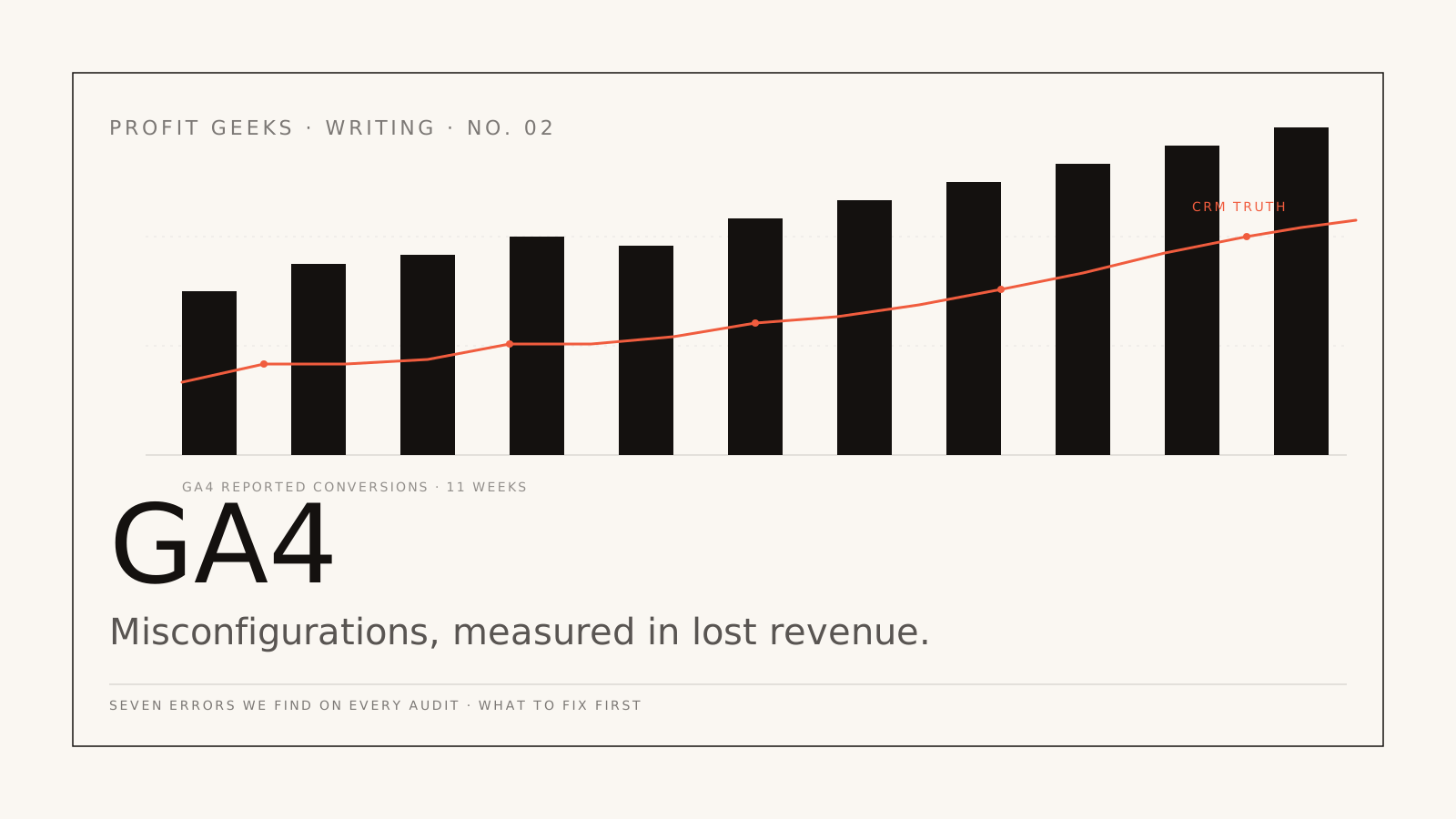
Each of these errors leaks a fraction of attributable revenue: a few percent on conversion counts, a few percent on attribution, a few percent on currency, a few percent on session attribution. Compounding the seven errors across a quarter, the audit clients we engage with were misreading their actual returns by 14% to 38%.
That number isn't theoretical. It's the difference between scaling a campaign because it looks profitable on the GA4 dashboard and scaling it because the bank-account-anchored revenue actually compounds. We've watched two brands kill what GA4 said was their best campaign and double-down on what GA4 said was mediocre, only to find that the GA4 numbers had been wrong by enough to flip the verdict.
How we run a GA4 audit on engagement
The Tracking Audit is a two-week read-only engagement. We document the existing GA4 setup against the seven errors above, plus the harder-to-spot ones that don't make this list (custom dimensions that aren't being recorded, conversion events with mis-named parameters, audiences whose definitions diverged from the campaign goals). Output is a written report with each issue tagged P0-P3 by severity and an effort estimate per fix.
About a third of audit clients hire us afterwards to do the rebuild. The other two-thirds take the report to their in-house team or agency. Both outcomes are fine. The audit is priced as a standalone deliverable, not a sales funnel for a bigger engagement.
If your GA4 dashboard is producing numbers that you wouldn't read aloud in a finance meeting, the next step is a 30-minute call. We'll look at three of your dashboards on the call and tell you, in writing, which of the seven errors are present.
Next step
Want this kind of work in your business?
Engagement intake is capped, senior operators run every account. If your attribution is leaking and your reports have stopped making sense, the next step is a 30-minute call.