The Shopify-Meta integration is one of the easiest server-side connections to install. A few clicks in the Meta sales channel and a CAPI feed is technically running. Two years on, we audit Shopify stores doing $3M to $15M in revenue every quarter and the picture is consistent: the integration is technically connected, and it's leaking signal in three to five places that the in-house team can't see without an audit.
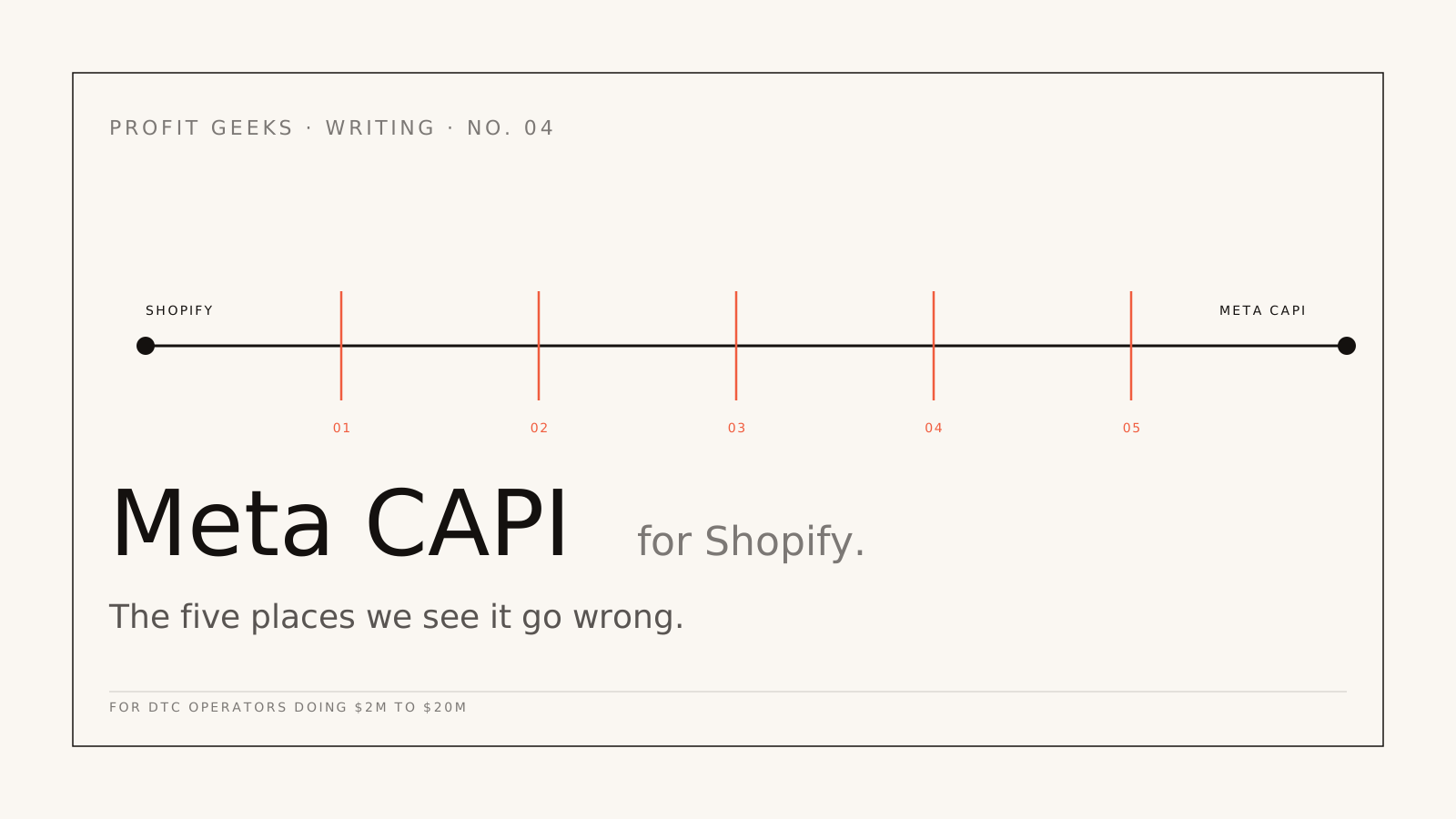
This piece walks through the five patterns we find on almost every Shopify CAPI audit, what each one costs, and the fix for each.
1. The integration is sending data, but only the data Shopify decides to send
The default Meta sales channel integration on Shopify ships a fixed payload: order ID, order total, currency, and a hashed email if the customer is logged in. That's it. There's no FBP cookie value, no FBC click identifier, no IP address, no user agent, no first-name or last-name hashed fields, no phone number even when the checkout collected one.
Result: Event Match Quality scores in the 3.5 to 5.0 range. Functionally, Meta is matching orders to ad clicks via probabilistic modelling, not deterministic identifiers. On a $5M brand, this is the difference between knowing which campaign drove the sale and guessing.
The fix: replace or supplement the Sales Channel feed with a custom CAPI implementation. We use a server-side GTM container that reads the Shopify checkout extensibility events, enriches them with FBP, FBC, IP, user agent, and the customer record (hashed at the server, never stored in plaintext), and then forwards to CAPI with full match-quality fields populated. EMQ typically lands at 7.5 to 8.5 within four weeks.
2. Pixel and CAPI events are not deduplicated
Most setups we audit have both the browser pixel and CAPI firing the Purchase event. Done correctly, the two should be deduplicated against the order ID so Meta counts one conversion per actual order. Done incorrectly, you get double-counting.
The deduplication requires two things: an event_id that's identical between the pixel and CAPI calls (we use the Shopify order ID), and an action_source set correctly on the CAPI call. We see one of these missing on roughly 70% of the Shopify accounts we audit. Symptom: Meta-reported Purchase events that exceed Shopify's order count by 8% to 22%.
The fix is mechanical: pass the order ID as event_id on both sides. Verify in Meta Events Manager that the deduplication ratio is showing as expected (Meta shows you the percentage of dedupe hits, which should be high).
3. Consent banner blocking the server-side call
This is the sneakiest one. The team installs a consent management platform (most commonly Cookiebot, OneTrust, or Iubenda on Shopify), and configures it correctly for the browser pixel. Meanwhile, the server-side CAPI calls are being made before the consent state has been resolved, OR the CMP has been told to suppress all marketing tracking until consent, including the server feed.
What you see: CAPI events drop to 30% to 60% of order volume on traffic from regions where the consent banner is shown (Europe, increasingly Australia post-OAIC enforcement). Meta's match quality stays artificially high because the events that do come through are from logged-in customers, but the volume is hollowed out.
The fix is to coordinate the consent timing: server-side calls should respect the consent state, but the client should pass a consent flag to the server container, which decides whether to forward to CAPI. The opt-in rate also matters here. We usually rewrite the consent banner copy in this phase. We've seen banners go from 58% opt-in to 71% on copy changes alone, no legal change required.
4. The currency parameter doesn't match the merchant's actual currency
This one is specific to Australian Shopify stores. Shopify Plus stores frequently have multi-currency configured (AUD for the AU storefront, USD for the international, etc.). The Meta sales channel sometimes ships the currency parameter as the merchant's primary currency, which is correct, and sometimes ships it as the customer's checkout currency, which is also correct on its own but isn't what Meta's reporting expects.
Meta then converts the value using its own exchange rate to display in your account currency. If you're billing on AUD spend and reporting in AUD, but the events are arriving with mixed currency parameters, the reported revenue can be 4% to 12% off, in either direction.
The fix: enforce a single currency at the CAPI feed (always AUD if your reporting is in AUD), and convert at the server before forwarding. Shopify's order data has both the presentment_currency and the shop_money_currency; pick one and stick to it. Reconcile against Shopify's daily summary report monthly to catch drift.
5. Subscription and recurring orders firing wrong events
Almost every Shopify operator we work with above $5M has a subscription product, usually via Recharge, Bold, or Shopify's native subscriptions. The default integrations fire Purchase events on every recurring order. Meta optimisation algorithms then learn to chase customers who would have subscribed anyway, because the Purchase signal looks identical between an acquired subscription and a recurring renewal.
Symptom: ROAS reported by Meta inflates over time relative to actual incremental revenue, especially after a brand has been running subscriptions for more than a year. The campaigns that look best in Meta's reporting are often the ones already attracting subscribers, not new subscribers.
The fix: differentiate the events. Use Purchase for first-time orders (real acquisition), and use a custom event like subscription_renewal for recurring orders, marked as a non-conversion in CAPI's optimisation but tracked for retention reporting. Meta will optimise toward genuine new acquisition rather than chasing existing subscribers.
This one is the most impactful and the most overlooked. We've seen ROAS reporting drop by 25% to 40% after the fix, but actual incremental revenue stay flat or grow. The reported number was wrong; the actual business outcome was the same.
How we audit a Shopify CAPI setup
Our standard Tracking Audit runs about two weeks. It walks through these five patterns plus the dozen or so secondary ones we don't have space for here. Output is a written report tagged P0 to P3 by severity, with effort estimates per fix and a recommendation on which to tackle first. Scope and price are set on an audit call and confirmed in a written proposal afterwards.
About a third of audit clients hire us to do the rebuild afterwards as the Attribution Fix engagement, which typically runs six to ten weeks. The rest take the report and action it themselves or with their existing team. Both outcomes are fine. We scope and price the rebuild on an audit call and set it out in a written proposal afterwards, so you only commit once the plan is clear.
If your Shopify Meta integration was set up by clicking through the Sales Channel
The integration is real but it's working at maybe 40% of its potential. The recovery is mechanical, well-understood, and pays for itself inside year one for any operator above $30K monthly spend. The longer you put it off, the longer Meta's bidding algorithms are optimising on signal that's quietly wrong.
Next step: free 30-minute profit audit. Bring a screenshot of your Meta Events Manager and the most recent month's Shopify revenue report. We'll tell you on the call which of the five patterns are present.
Next step
Want this kind of work in your business?
Engagement intake is capped, senior operators run every account. If your attribution is leaking and your reports have stopped making sense, the next step is a 30-minute call.