The Meta Conversions API (CAPI) sends conversions from your server, store platform or CRM straight to Meta, alongside the browser pixel. Set up properly, it catches events the pixel misses and helps Meta match more of them to real people. In one rebuild we documented, Meta's Event Match Quality score rose from 3.1 to 7.4.
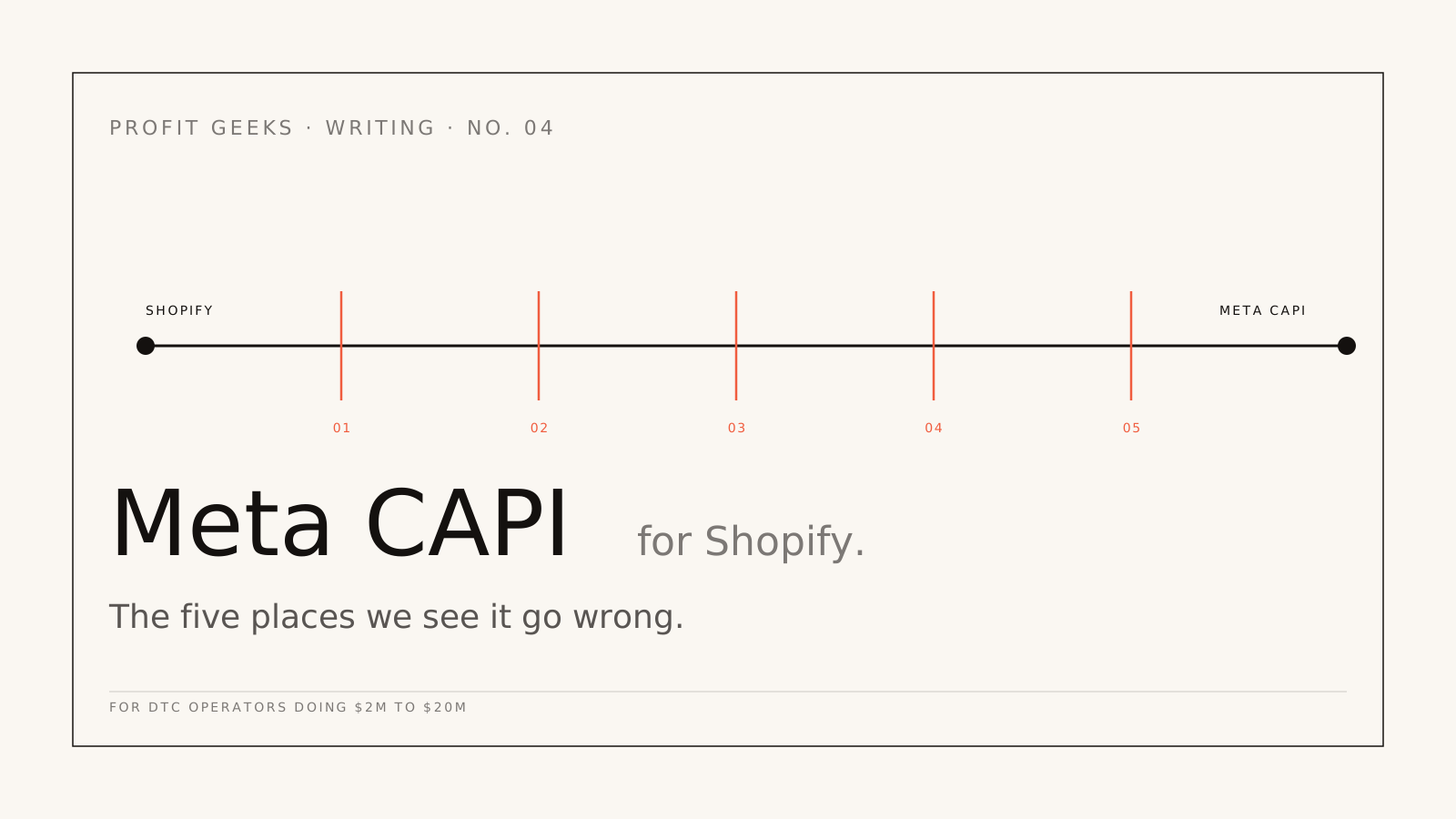
This guide works through the setup decisions in order: which route to use, how deduplication works, how to raise match quality, how to send CRM and phone events, and what consent means for a server connection. It sits within our guide to marketing attribution. If you sell on Shopify, also read Meta CAPI on Shopify: the five places it goes wrong, which covers failures specific to Shopify that this guide does not repeat.
What is the Meta Conversions API?
The Conversions API is Meta's server-to-server connection for marketing data. Meta describes it as a direct link between your marketing data and the systems it uses to optimise ad targeting, lower cost per result and measure outcomes. Your server, or a platform acting for you, posts each event to Meta with details that identify the person, hashed where Meta requires it.
It carries more than website events. Meta accepts events from websites, physical shops, email, business chat, phone calls, apps and offline sources through the same API. Meta scheduled its older Offline Conversions API for discontinuation in May 2025 and now directs those events to the Conversions API.
What is the difference between the Meta pixel and the Conversions API?
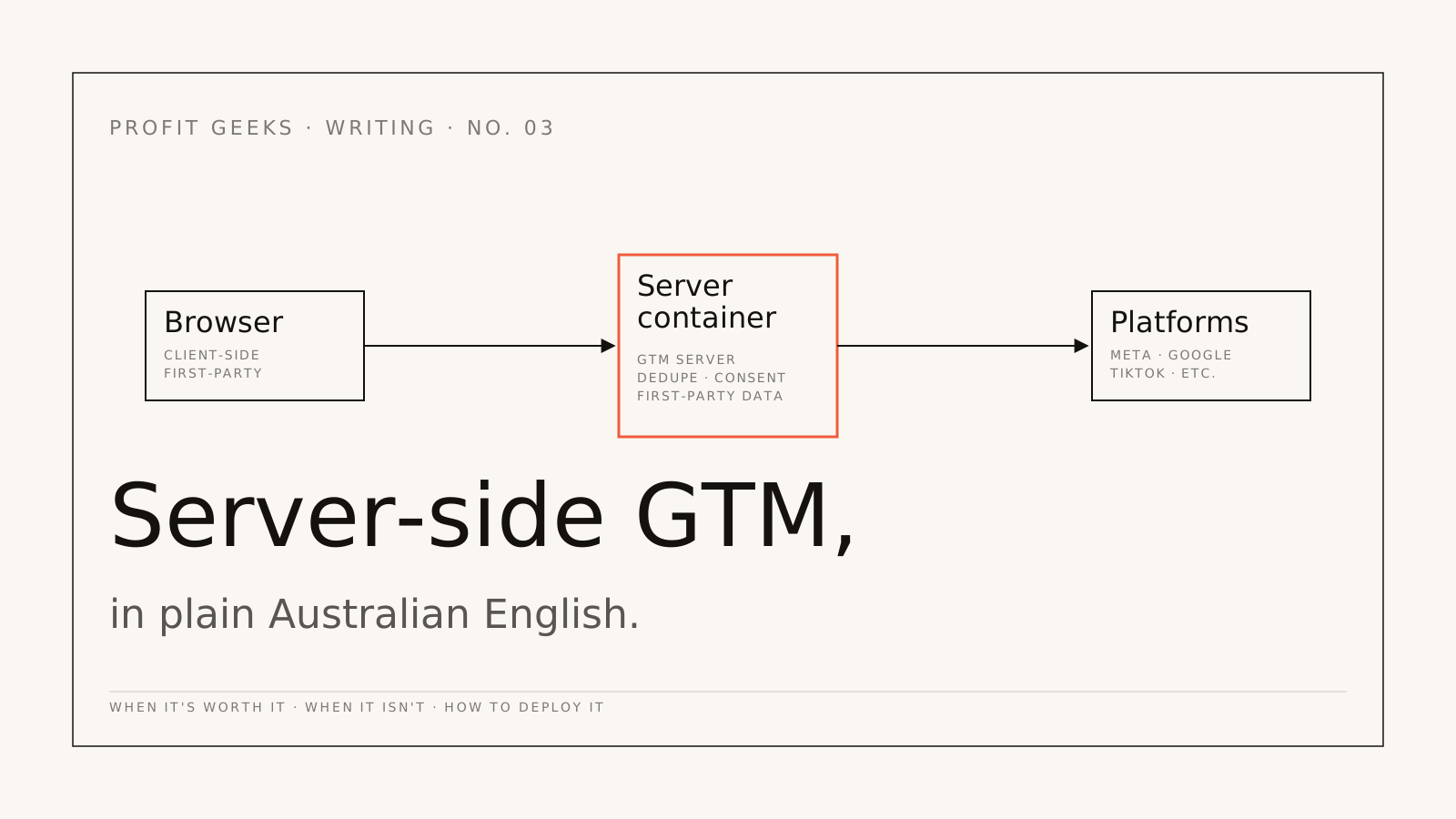
The pixel runs in the visitor's browser and the Conversions API runs on a server. Meta's explanation is that browser data can be blocked or lost through browser settings and connection problems, while server events hold up better against browser limits and ad blockers. Meta recommends running both, sending the same events through each and deduplicating them, which it calls a redundant setup.
| Meta pixel | Conversions API | |
|---|---|---|
| Where it runs | The visitor's browser | Your server, store platform or a hosted gateway |
| What stops it | Ad blockers, browser settings, network problems and page load errors | A fault in your own server or integration |
| Phone, shop and CRM events | No | Yes |
| Customer details it can send | What the browser session holds | What your order system or CRM holds, hashed |
| Who decides what is sent | The tags on the page | You, at the server |
Source: Meta Business Help Centre, deduplication for Meta pixel and Conversions API events and best practices for Conversions API, checked 1 October 2026.
Is the Meta Conversions API free?
Yes. Meta does not charge for events sent through the Conversions API. What costs money is the route that sends them: hosting, developer time or a partner's fee.
| Route | Cost | Set-up time |
|---|---|---|
| Meta-enabled CAPI | Free | One click (website events only) |
| Store platform integration | No additional cost | A few clicks |
| CAPI Gateway | Cloud fees from US$30 a month | Under 30 minutes, Meta says |
| Server-side Tag Manager | About US$45 a month per Cloud Run server, Google estimates, with two or more servers advised | Depends on the events and sources it carries |
| Direct integration | Developer build and upkeep | 2 to 4 weeks for a new build, Meta says |
Sources: Meta Business Help Centre, compare Conversions API setup options and about Conversions API Gateway; Google for Developers, Cloud Run setup guide for server-side tagging. Checked 1 October 2026. Hosting is priced in US dollars and grows with traffic.
Which setup route should you choose?
The simplest route that can carry every event you want Meta to learn from. For a store on a supported platform that only needs website events, that is usually the platform integration. If your sales close on the phone or in a CRM, you need server-side Google Tag Manager or a direct integration.
- Meta-enabled Conversions API. A one-click, web-only server connection that sends the events and customer details the pixel already shares, deduplicated automatically. A sensible floor, but it cannot add details the browser never had, or send phone and CRM events.
- Store platform integration. Meta lists Shopify, WooCommerce, Wix and BigCommerce among the commerce platforms where setup takes a few clicks. Start here if you sell on one, then check what it actually sends.
- Conversions API Gateway. Meta's codeless option, hosted in your own Amazon Web Services or Google Cloud account. Meta suggests it if you already use the pixel, are not yet sending website events through the API, spend more than US$300 a month on campaigns optimised to website events and do not use an ecommerce partner.
- Server-side Google Tag Manager. A tagging server on your own subdomain receives each event once and forwards it to Meta, Google Ads and GA4. Meta lists Google Tag Manager among its partner platforms for the Conversions API. It is the route we use in a server-side tracking rebuild, because one event stream feeds every platform and the consent and hashing rules live in one place.
- Direct integration. Your developers call the API from your own systems. Meta says it is currently the only route for app events and physical shop events.
Spend decides how far to go. In our experience a full server-side rebuild pays for itself for most businesses spending more than about $40,000 a month on paid media, and costs more than it recovers below about $20,000; the reasoning is in when server-side GTM is worth it. Below that line, use the platform integration or the Gateway. In between, start with a tracking audit.
How do you set up the Conversions API, step by step?
- List the conversions worth money: a purchase, a qualified lead, a booked job. Leave out micro-events nobody will bid on.
- Give each conversion an ID when it happens, such as the order number or lead ID, in the data layer where the browser and the server can both read it.
- Collect customer details where customers give them: email and phone from checkout and forms, plus the
fbcandfbpcookies, IP address and user agent. - Connect your route to your Meta dataset, keeping the access token on the server, never in the page.
- Pass the visitor's consent choice with every event and let the server decide what to forward.
- Test with Meta's Test Events tool, then remove the test code.
- Run old and new side by side for at least seven days and reconcile both against your own sales before anyone changes budgets.
How does deduplication work?
Meta counts a browser event and a server event as one when they share the same event name and the same event ID: the pixel's eventID must match the server's event_id, and the event names must match. Meta only deduplicates events received within 48 hours of the first event with a given ID, and when the two versions are similar it generally keeps the one that arrived first.
So the ID has to exist before either event fires. The two breaks we see most: the browser makes up a random ID the server never sees, and the two sides write the event name differently, such as "purchase" and "Purchase". Meta asks for both values to be formatted identically.
Meta also offers a fallback that matches on the event name plus external_id or the fbp browser ID, but it only works when the browser event arrives first. Treat it as a safety net, not the design. Getting this wrong is expensive in a quiet way: in our Melbourne ecommerce engagement, events without order IDs had Meta over-reporting by about 24 percent while Google under-reported by about 18 percent.
What is Event Match Quality, and how do you raise it?
Event Match Quality (EMQ) is Meta's score from 0 to 10 for how well the customer details on your server events match those events to Meta accounts. Meta calculates it from the quality of the details you send and the share of events it can match, using the last 48 hours of data, for website events sent through the Conversions API.
You raise it by sending more of the details Meta weights highly, on more of your events. Meta publishes a priority for each:
| Customer detail | Meta's priority |
|---|---|
| Email address | High |
| Click ID (fbc) | High |
| Phone number | Medium |
| External ID (your own customer or lead ID) | Medium |
| Browser ID (fbp) | Medium |
| Facebook Login ID, date of birth, country | Medium |
| Lead ID, first name, surname, town or city, postcode | Low |
Source: Meta Business Help Centre, about event match quality, checked 1 October 2026.
Formatting matters as much as the fields. Trim spaces and lower-case email addresses before hashing them with SHA-256. Phone numbers need the country code and no leading zero, so an Australian mobile written 0412 345 678 becomes 61412345678 before it is hashed. Do not hash the IP address, user agent, fbc or fbp. Meta also requires the user agent and the page address (event_source_url) on website events.
Where the details come from sets the ceiling. A server event fired from the order or lead record can carry the email and phone the customer typed; a setup that only copies the pixel often has neither. In our Melbourne DTC ecommerce case study, adding hashed email, hashed phone, fbp, fbc and the order ID to every event lifted EMQ from 3.1 to 7.4 over six weeks of data.
Why does sending first-party data lower costs?
Because Meta's system can only learn from conversions it can connect to a person. When an event matches a Meta account, Meta can credit the ad that came before it and show your ads to more people like the ones who convert. Meta's documentation makes three claims about this:
- Following its Conversions API best practices can help improve ad performance by lowering cost per action.
- Better Event Match Quality makes events more likely to match to Meta accounts, which can lead to better performance and a lower cost per action.
- Better Event Match Quality can increase the additional conversions Meta reports.
Every claim says "can". Meta publishes no guaranteed improvement, and neither do we. What first-party data does reliably is give the bidding system more true conversions to learn from and bring Meta's reporting closer to your own sales. In our engagements the gap between Meta-reported revenue and CRM revenue typically falls from about 23 percent to under 5 percent after a rebuild.
Sharing has limits. Meta prohibits health information, financial information and other sensitive information in its business tools, including in URL parameters and custom events, and holds you responsible for what your integration sends. For an NDIS provider, a clinic or a lender, a form address ending in something like ?treatment=implants can be sensitive on its own, so strip it at the server.
How do you send CRM, phone and offline events to Meta?
Through the same API, with the action source set to where the conversion happened. Meta's values include website, phone_call, physical_store, system_generated, email, chat, app and business_messaging: a job booked by phone goes as phone_call, a shop sale as physical_store, an automatic subscription renewal as system_generated.
Timing decides whether Meta can use the event. Meta recommends real time and publishes these limits:
| Used for | Events | Send within (maximum) |
|---|---|---|
| Sales and Leads campaigns | Web and app, through the API | 1 hour (7 days) |
| Audiences | Web and app, through the API | 24 hours (7 days) |
| Audiences | Offline | 24 hours (62 days) |
| Ads Manager attribution | Web and app, through the API | 7 days (7 days) |
| Ads Manager attribution | Offline | 7 days (62 days) |
| Conversion lift tests | Web and app | 7 days (90 days) |
Source: Meta Business Help Centre, recommended and maximum delay times for web, app and offline events, checked 1 October 2026.
Two consequences. Events that feed optimisation should arrive within the hour, so a weekly CSV upload cannot be your main feed. And Meta's developer documentation limits most server events to a timestamp no more than seven days old, while shop sales sent as physical_store events can be uploaded within 62 days. If your sales cycle runs for weeks, optimise on an earlier stage that happens inside the window, such as a qualified lead or a booked inspection, and keep the final sale for your own reporting. Check the current limit for your action source before you build.
If your leads come from Meta's instant forms, Meta's Conversions API for CRM lets you send lead stages back and optimise for the stage you care about. Meta's stated requirements: at least 200 leads a month, uploads at least daily, a target stage reached within 28 days of the lead, and a conversion rate to that stage of 1 to 40 percent. For leads that arrive by phone, our call tracking guide covers getting booked jobs back to Meta and Google Ads.
How do consent and Australian privacy law apply to a server connection?
The same way they apply to the pixel: moving the call to a server changes where the data travels, not what you are allowed to send. Meta's terms require you to hold the rights and any consents needed before you share data, and to hash contact details. Its privacy guidance also asks you to tell people what you collect, who you share it with and how they can control it. Where consent is required, Meta's instruction for the Conversions API is plain: do not send event data about people who have not given it.
In Australia, the Office of the Australian Information Commissioner (OAIC) published guidance on tracking pixels in November 2024. It is written about pixels, but a server connection carries the same kind of personal information, so we hold it to the same points:
- Limit collection to the minimum personal information needed (APP 3).
- Generally keep sensitive information, such as health details, away from ad platforms, and collect it only with consent.
- Explain these tools in your privacy policy and collection notices (APPs 1 and 5).
- Give people a simple way to opt out of direct marketing (APP 7).
- Take reasonable steps when the information goes overseas (APP 8).
- Review the setup regularly rather than setting and forgetting it.
The Privacy Act generally applies once annual turnover passes $3 million, and to some smaller businesses, such as health service providers, regardless of turnover. This is general information, not legal advice: read the OAIC's guidance on tracking pixels and confirm your position with the OAIC or your own adviser.
Technically, consent has to reach the server. The browser should pass the visitor's consent state with each event, and the server should decide whether to forward it. The failure runs both ways: a server that keeps sending after the banner says no, or a server blocked by mistake. In our Melbourne engagement, server calls had been filed under analytics consent instead of marketing, and roughly 41 percent of visitors who would have allowed them were being blocked.
How do you test a Conversions API setup?
With Meta's Test Events tool first, then against your own sales. Events Manager gives you a test code to send as test_event_code, and your events appear in the Test Events window. Meta notes that test events are not dropped: they flow into Events Manager and are used for targeting and measurement, so remove the code before going live and do not test with junk orders.
- Confirm a test conversion arrives from both browser and server with the same event ID, and shows as deduplicated.
- Check event coverage: Meta suggests aiming for a 75 percent ratio of Conversions API events to pixel events.
- Check data freshness, so events that feed optimisation arrive within the hour.
- After 48 hours, check Event Match Quality for each event and work through Meta's recommended actions.
- Compare a week of Meta-reported conversions with orders or booked jobs in your own system. We do not switch an old setup off until the new one reconciles to within 5 percent.
Is the Conversions API worth it?
For most advertisers who optimise Meta campaigns to website or offline conversions, yes. Meta recommends it alongside the pixel, the simplest routes cost nothing, and it is Meta's recommended data source for its own lift tests: self-serve Conversion Lift asks for the Conversions API with an Event Match Quality score above 5, or another supported low-funnel data source. To measure what Meta ads add rather than what they claim, it has to be in place first; our incrementality testing guide explains those tests.
Know what it does not fix. Meta notes that Conversions API events may still be processed under Aggregated Event Measurement, its protocol for measuring events from people on iOS 14 and later devices (our post on what iOS 14.5 broke has the background). It does not repair a badly defined conversion: if the pixel counted form views as leads, the server will send form views too. And a big build is not worth it when Meta spend is small, the site is about to change platforms, or the offer is the real problem.
Where to go next
For how CAPI fits with GA4, Google Ads and your CRM, go back to the marketing attribution hub. If Meta carries a large share of your spend, our Facebook ads agency page explains how we run Meta once the data is sound, and the Melbourne case study shows a full rebuild with its numbers. To have your own setup checked, book a free 30-minute profit audit and bring a screenshot of Events Manager and last month's sales from your own system.
Next step
Want this kind of work in your business?
Engagement intake is capped, senior operators run every account. If your attribution is leaking and your reports have stopped making sense, the next step is a 30-minute call.